LUDEMAN LUTS IN THE WILD
Check out these great examples of our LUTs being used in the wild!
Check out these great examples of our LUTs being used in the wild!
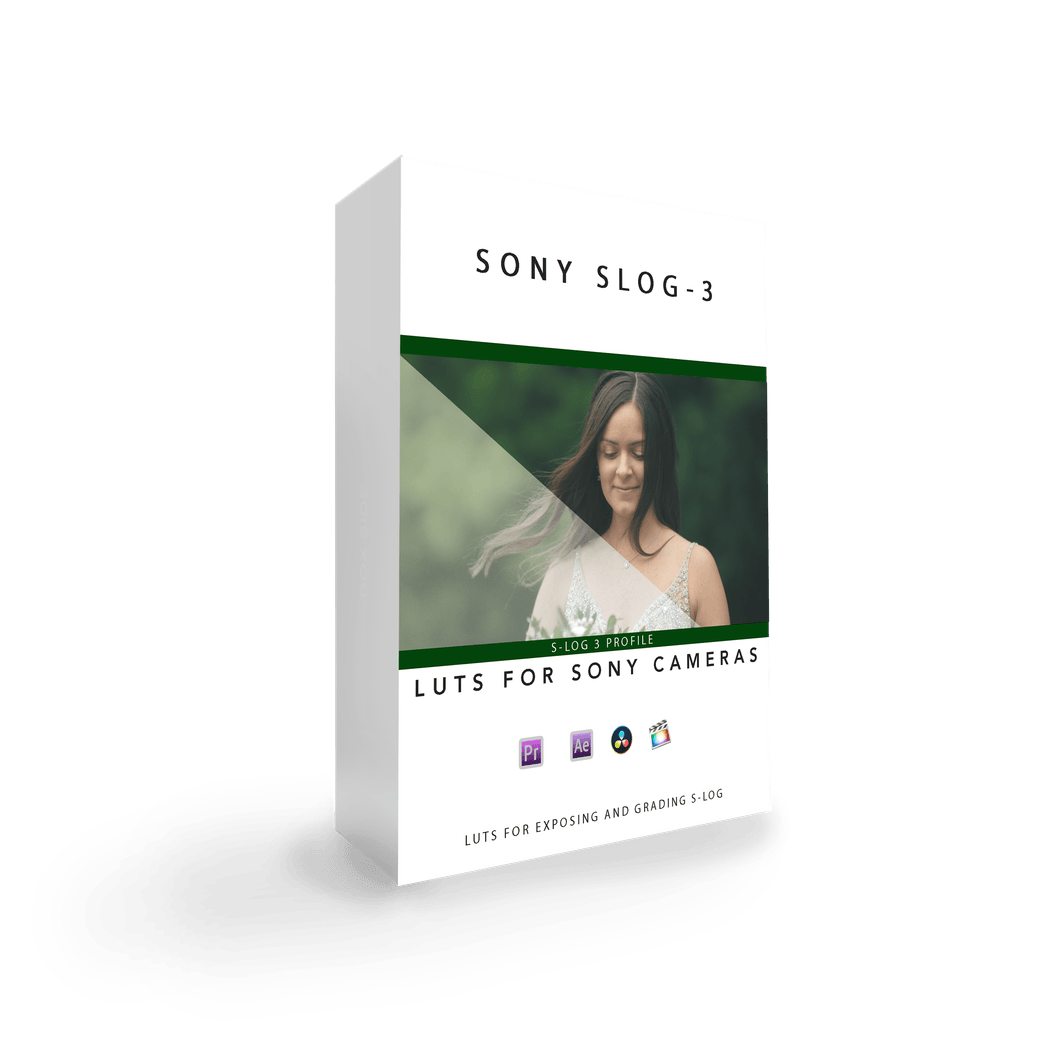
Achieve Perfect Exposure with Sony S-Log3 Cameras
Dial In Accurate Exposure Every Time
Shooting in Sony S-Log3 can be tricky—underexposure often introduces noise, especially when using Sony’s built-in Rec.709 LUT or “Display Assist.” While exposing to the right (ETTR) using your histogram can help, it often leads to blown-out highlights when previewing with standard LUTs. That’s where these custom LUTs come in.
Tested With These Cameras
Sony A7siii
Sony FX3
Sony FX6
Sony A7 IV
Sony A7R V
Sony ZV-E1
Whether you're monitoring in-camera or grading in post, these LUTs offer cleaner exposure, smoother roll-offs, and a more natural starting point for your color work.
Monitoring LUT – Sony S-Log3 Ludeman_709_LUT
Use this LUT on your camera monitor or external recorder to help nail exposure in the field. It’s designed to preserve highlights and offer a more accurate preview than Sony’s default Rec.709 LUT.
LOW SAT – Sony S-Log3 Ludeman_709_LUT
Perfect for stylized or moodier looks, this version lowers saturation while maintaining skin tones and natural contrast.
MED SAT – Sony S-Log3 Ludeman_709_LUT
Balanced for general use, this is a great all-around LUT for interviews, commercial work, and cinematic B-roll. Ideal starting point for final grading.
HIGH SAT – Sony S-Log3 Ludeman_709_LUT
Great for vibrant outdoor scenes and content that needs extra pop. Pushes saturation without clipping colors or crushing shadows.
Best used in daylight (around 5500K) or neutral lighting setups.
Make sure your camera is properly white-balanced before recording.
A minor temperature/tint adjustment in post may be needed depending on your camera and lighting conditions.
Designed for use with Sony S-Log3, not S-Log2 or Cine profiles.
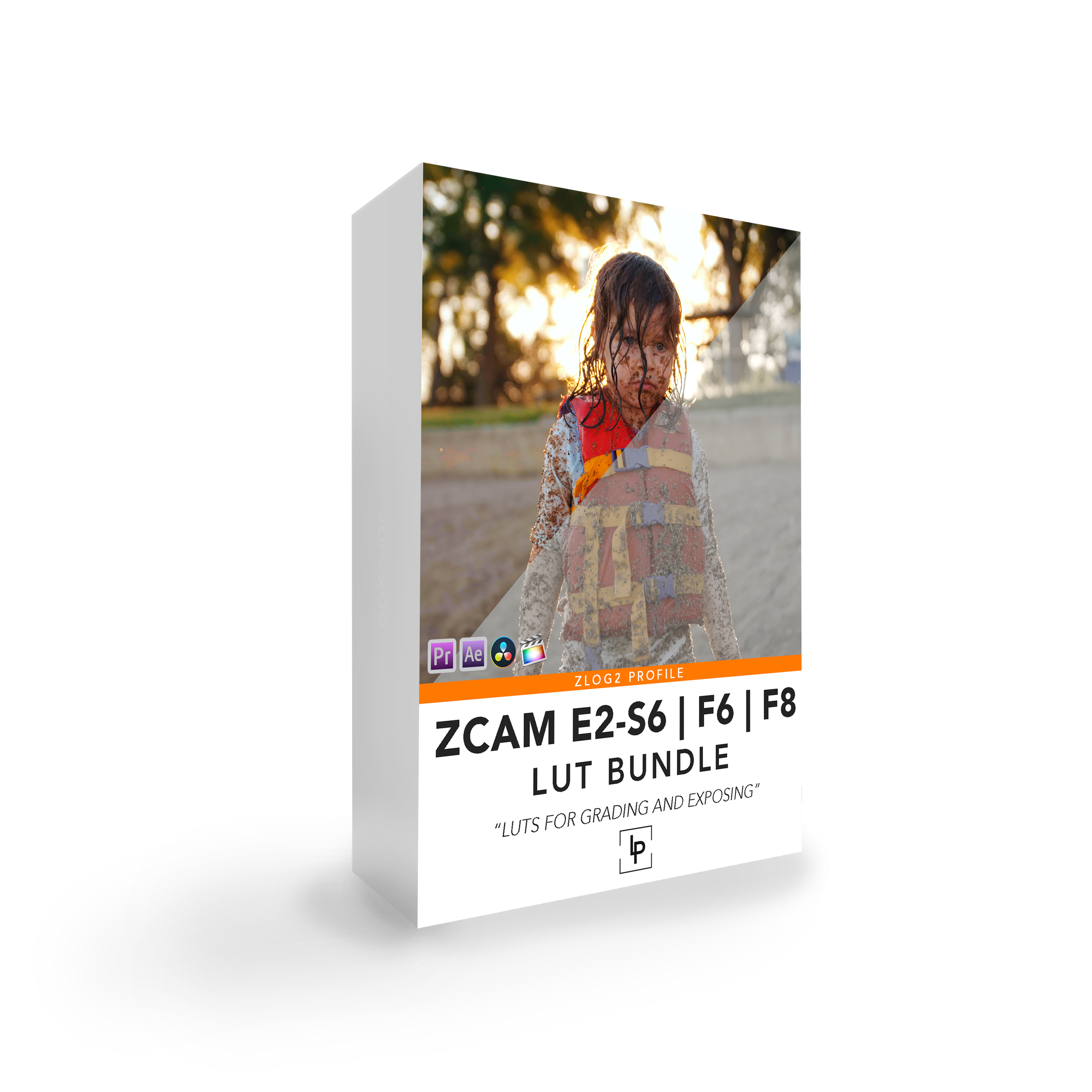
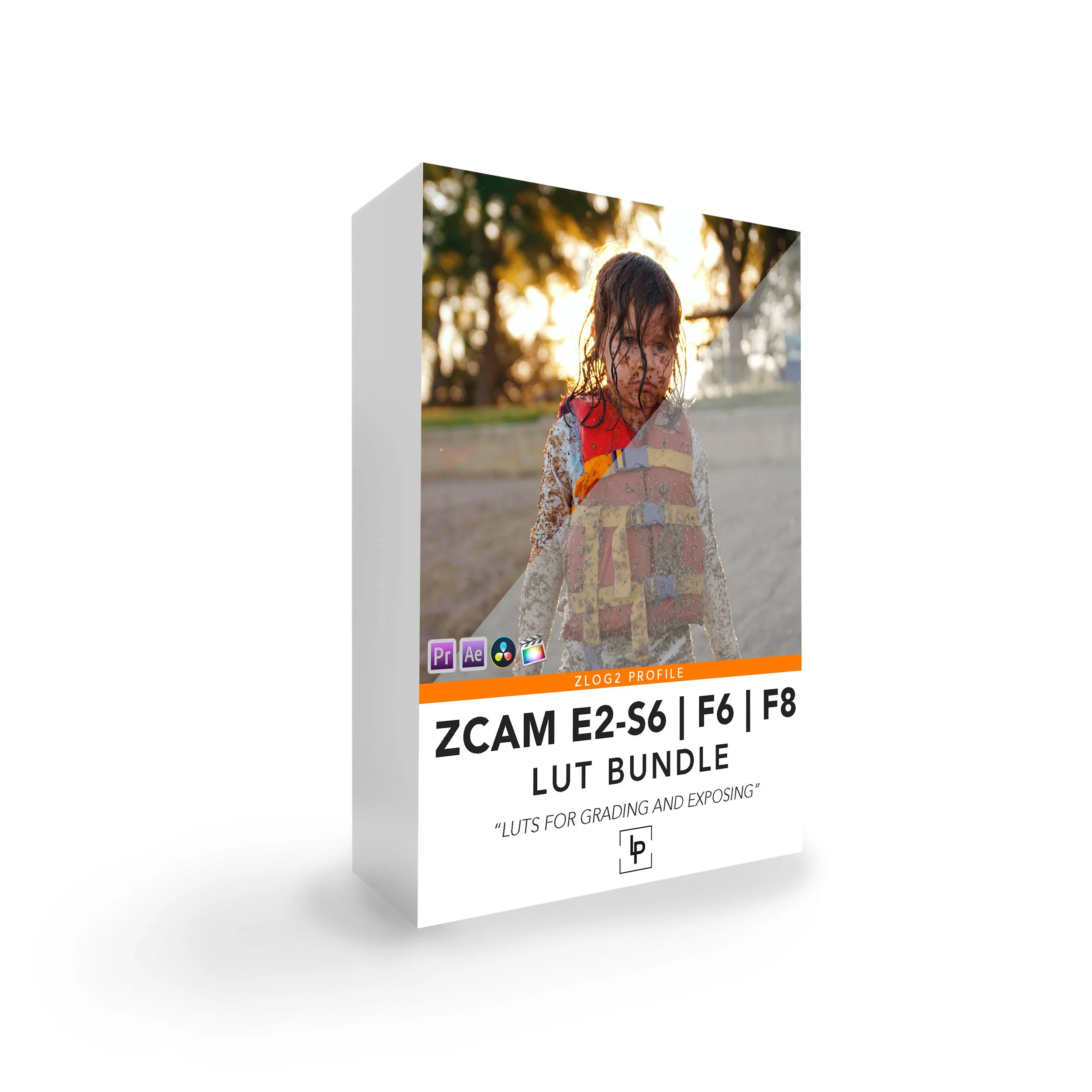
Achieve Perfect Exposure with Z CAM E2 – S6 | F6 | F8
Bring Out Creamy Skin Tones with Cinematic Warmth
Z-Log2 can be tricky—footage often appears flat or lifeless straight out of camera. This custom LUT bundle was designed specifically for Z CAM E2 S6, F6, and F8 users who want warm, pink, and creamy skin tones with a clean, cinematic feel.
These LUTs adjust the red and green channels to soften harsh hues and make skin tones shine—perfect for interviews, beauty shots, and natural light work.
Tested With These Cameras
Z CAM E2-S6
Z CAM E2-F6
Z CAM E2-F8
(While built for the models above, these LUTs may also work well with other Z CAM cameras using Z-Log2.)
FLAT CURVE – Z CAM S6/F6/F8 Ludeman_709_LUT
A low-contrast version designed for monitoring exposure and maintaining highlight detail while filming. Ideal as a base for custom grading.
HIGH SAT – Z CAM S6/F6/F8 Ludeman_709_LUT
Pushes color vibrancy and skin tones for rich outdoor or commercial visuals. Great for high-energy content or warm lighting environments.
MED SAT – Z CAM S6/F6/F8 Ludeman_709_LUT
A balanced LUT with pleasing saturation and contrast. Often used as a go-to look for natural light setups and talking head content.
LOW SAT – Z CAM S6/F6/F8 Ludeman_709_LUT
For more subdued looks—great for documentary-style footage or projects where you want to build up your own grade.
Best results when exposing to the right (ETTR) using your histogram.
A minor temp/tint adjustment may be needed based on lighting or camera variation.
Be sure your camera is properly white-balanced while filming.
These LUTs are built for the Z-Log2 color profile, not ZRAW or Rec.709.
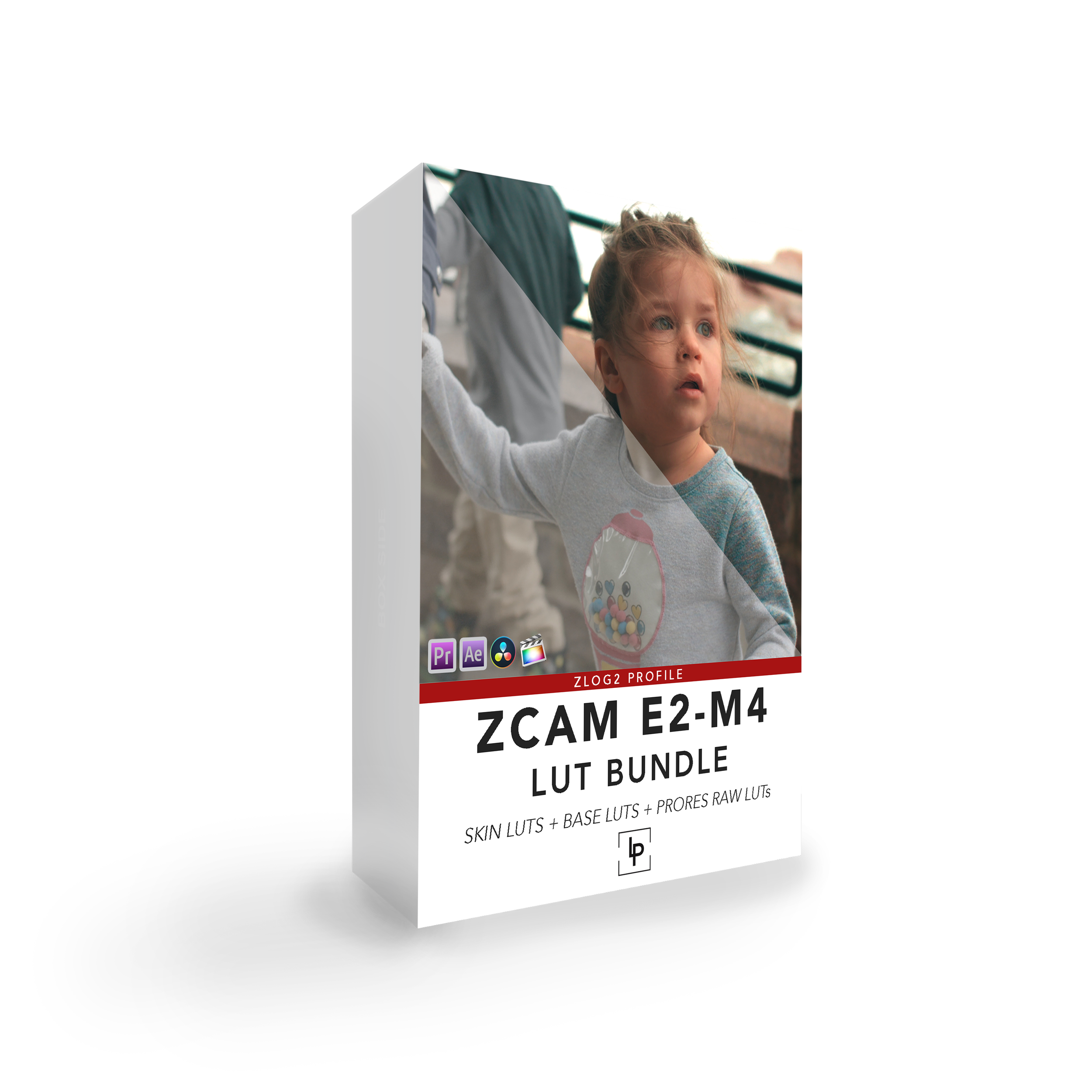
Achieve Perfect Exposure with Z CAM E2 & E2-M4
Warm, Creamy Skin Tones—Perfected for Weddings and Natural Light
Z-Log2 footage can often look flat or washed out, especially in uncontrolled lighting. This LUT pack was designed specifically for the Z CAM E2 (Classic) and E2-M4, with a focus on delivering warm, pink, creamy skin tones that flatter real people in real light.
Whether you're shooting weddings, portraits, or cinematic b-roll, these LUTs soften harsh hues by carefully modifying the red and green channels—my personal go-to for years when filming skin tones with Z CAM.
Tested With These Cameras
Z CAM E2 (Classic)
Z CAM E2-M4
(Optimized for Z-Log2. Not designed for ZRAW or Rec.709 capture.)
BASE LUTS – Z CAM E2-M4 Ludeman_709_Base_LUT
LOW SAT – A subtle, low-contrast look for softer profiles.
MED SAT – Balanced contrast and saturation, ideal for all-around work.
HIGH SAT – Enhanced vibrancy for outdoor and punchier scenes.
SKIN LUTS – Z CAM E2-M4 Ludeman_709_Skin_LUT
LOW SAT – Great for soft lighting and emotional close-ups.
MED SAT – A versatile, natural skin tone look.
HIGH SAT – Vibrant and creamy, ideal for golden hour or stylized edits.
Best results when exposing to the right (ETTR) using your histogram.
A simple temperature/tint tweak may be needed depending on lighting.
Always ensure your camera is properly white-balanced in the field.
These LUTs are designed for Z-Log2, not for baked-in color profiles.
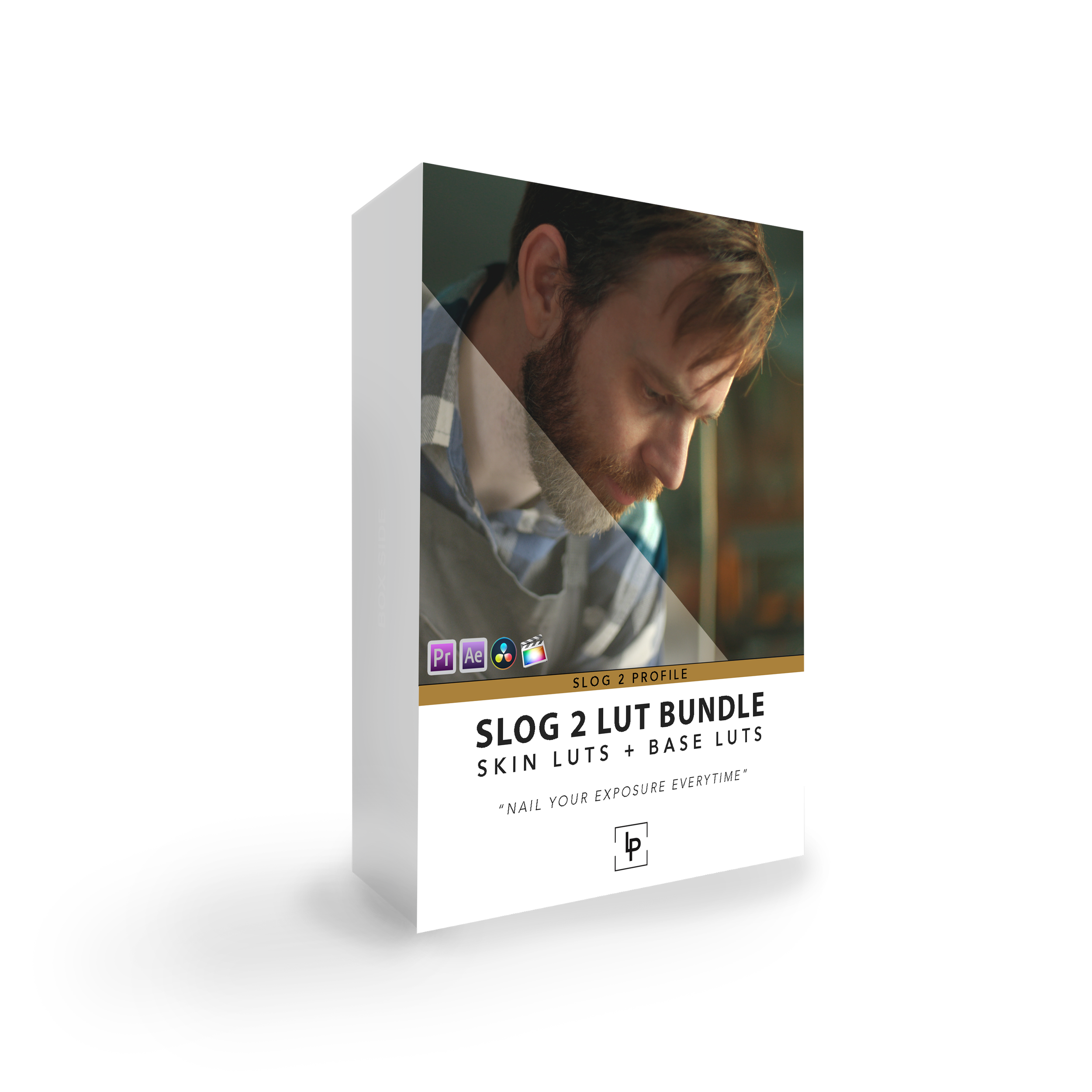
Achieve Perfect Exposure with Sony S-Log2 Cameras
S-Log2 can be tricky—footage often appears flat or lifeless straight out of camera. This custom LUT bundle was designed specifically for Sony Camera users who want warm, pink, and creamy skin tones with a clean, cinematic feel.
These LUTs adjust the red and green channels to soften harsh hues and make skin tones shine—perfect for interviews, beauty shots, and natural light work.
Tested With These Cameras
Sony A7siii
Sony FS7
Sony FX3
(While built for the models above, these LUTs may also work well with other Sony cameras using S-Log2.)
FLAT CURVE – S-log2 Ludeman_709_LUT
A low-contrast version designed for monitoring exposure and maintaining highlight detail while filming. Ideal as a base for custom grading.
HIGH SAT – S-log2 Ludeman_709_LUT
Pushes color vibrancy and skin tones for rich outdoor or commercial visuals. Great for high-energy content or warm lighting environments.
MED SAT – S-log2 Ludeman_709_LUT
A balanced LUT with pleasing saturation and contrast. Often used as a go-to look for natural light setups and talking head content.
LOW SAT – S-log2 Ludeman_709_LUT
For more subdued looks—great for documentary-style footage or projects where you want to build up your own grade.
Best results when exposing to the right (ETTR) using your histogram.
A minor temp/tint adjustment may be needed based on lighting or camera variation.
Be sure your camera is properly white-balanced while filming.
These LUTs are built for the S-Log2 color profile
No results match your search. Try removing a few filters.